Operation Outputs
All operations in Stage² follow a standardized approach to outputs, ensuring consistency across workflows.
Key Characteristics of Outputs
-
Single Output Port:
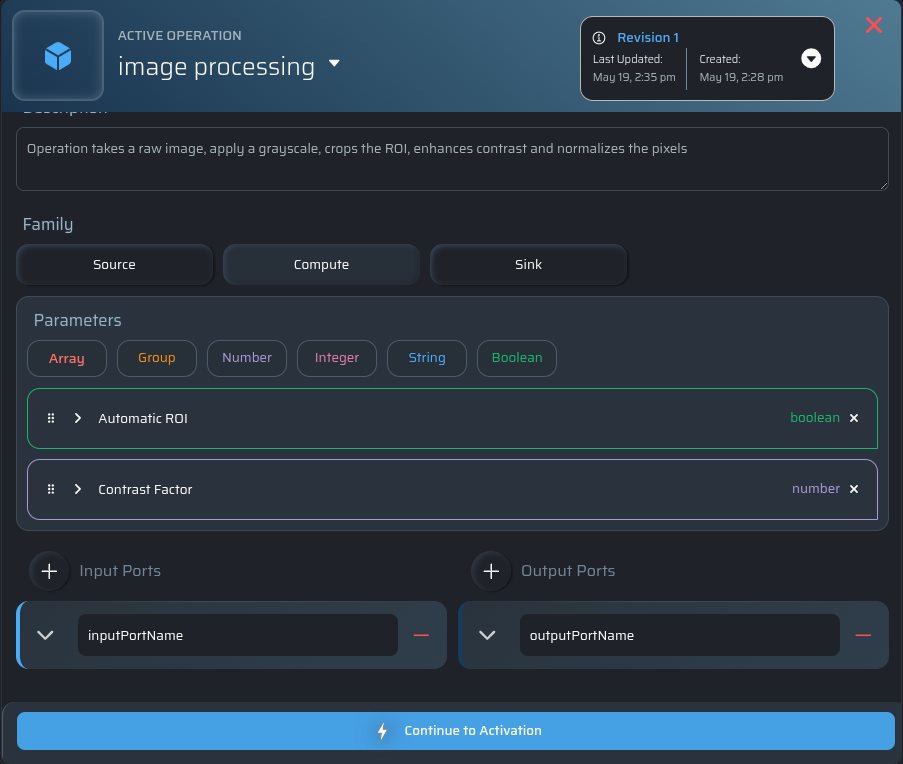
Each operation has a single defined output port, simplifying workflow design and maintaining consistency. -
Unlimited Multiplicity on the Output:
While inputs have controlled multiplicities, the single output port can connect to any number of downstream inputs.- This design allows results to be shared and reused across multiple subsequent steps in the workflow.
Output Behavior by Operation Type
-
Sink Operations:
The output port is set tonullbecause these operations do not produce further data. -
Source and Compute Operations:
The output ports are represented as json objects in"outputs:{}"
This standardized output approach ensures compatibility and flexibility when integrating operations into complex workflows.
Creating an Output
Stage² automatically provides an output path that should be used when writing generated files or directories.
Your interface script receives this path through the outputs object in the JSON payload.
Do not modify the provided base path. This path is used internally by subsequent operations in the pipeline.
{
  "context": {}
  "inputs": {},
  "outputs":{
    "<outputPortName>": "stage2/outputs/<outputPortName>/data"
  },
  "parameters": {}
}
In this example:
outputPortNameis the name of the output port- The value is the filesystem path where the operation should save its output to.
Using the Output Path
Writing a File
If your operation produces a file format that requires a specific extension, append the extension directly to the provided path.
outputs = stage2_arguments.get("outputs")
output_path = outputs["outputPortName"]

# Append the required extension
image_output = f"{output_path}.png"

save_image(image_output)
Writing a Directory
If your operation produces multiple files, use the provided path as a directory.
outputs = stage2_arguments.get("outputs")
output_dir = outputs.get("<outputPortName>")

os.makedirs(output_dir, exist_ok=True)

for x in range(6):
    with open(os.path.join(output_dir, f"result{x}.txt"), "w") as file:
        file.write(f"This is file number {x}")
Important Notes
- The filepath provided by Stage² should not be modified, with the one exception being adding a file extension to the path given.
- Do not replace the provided path with a custom location.
# ❌ Incorrect: saving to a custom path
"/tmp/result.png"
This will cause subsequent operations to fail with a resource not found error because Stage² tracks outputs using the exact generated path.